





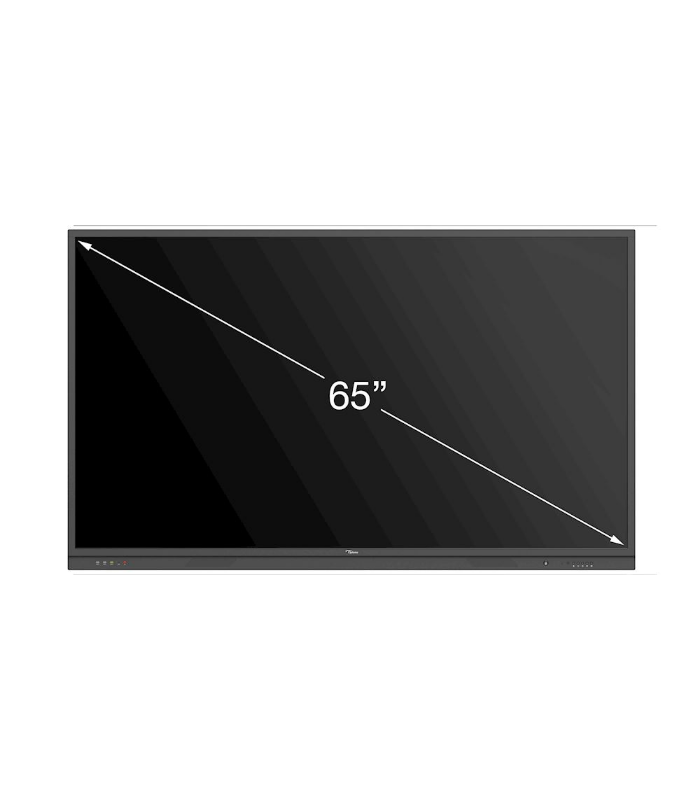
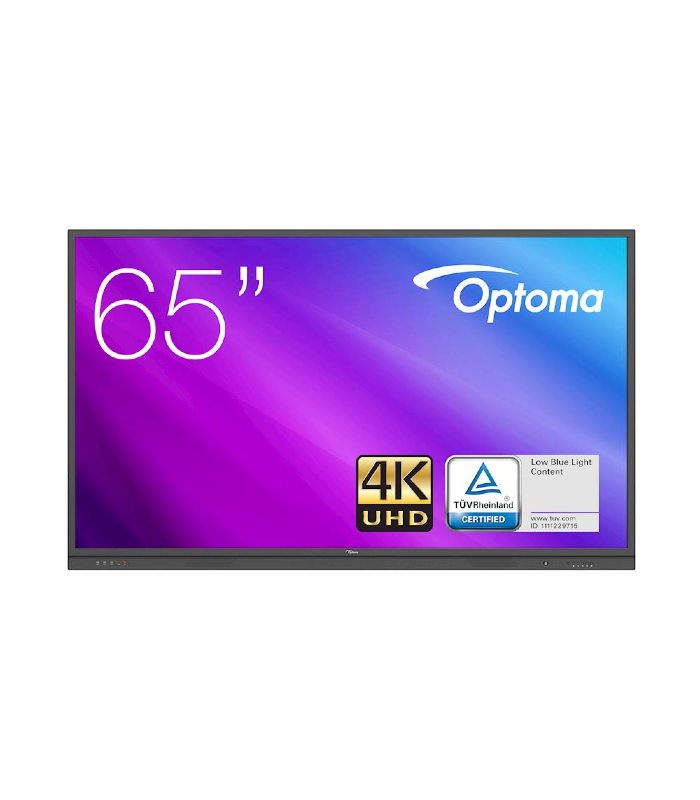
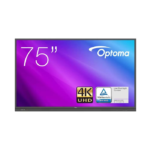
Optoma 3651RK 65″ Interactive Touch Panel Display
Ask for more info
Optoma 3651RK 65″ Interactive Touch Panel Display
65″ interactive display
20 Point IR touch
Android OS and Optional OPS PC for windows operation
4K UHD Display
Download Catalog PDF Click here>
Description
Optoma 3651RK 65″ Interactive Touch Panel Display
Robust collaboration, extensive connectivity options and a value-focused design. Combining the latest technology and packed with everything a classroom or business requires, the Creative Touch 3 Series delivers all the functionalities and processing power needed to create, educate and collaborate.
Easily access the front-facing ports for HDMI and USB connectivity. For wireless connectivity, Optoma’s TapCast Pro allows up to four users to share content at the same time from their Windows, iOS, macOS, Chrome or Android device.
The easy-to-use IFPDs also make lessons more fun with built-in collaboration tools such as Vote, where teachers are able to collect valuable feedback instantly.
Equipped with an OPS slot, and easy to download OTA updates, the touchscreen display is future-proofed should your requirements change in the ever-changing world of technology. (OPS sold separately).

Ultra HD 4K resolution
Optoma 3651RK 65″ Interactive Touch Panel Display With over eight million pixels, Ultra HD 4K resolution brings four times more detail than Full HD, to deliver sharper, life-like images and richer colours – allowing you to sit closer to the screen and enjoy a more immersive experience.
Optoma TeamShare: whiteboard and annotation
Optoma 3651RK 65″ Interactive Touch Panel Display has Creative sharing is easy with a ready-to-use whiteboard featuring built-in annotation tools that encourage collaboration.


TapCast collaboration tool
What is TapCast? Wirelessly display and share content on a big screen without any additional hardware using the TapCast app. Easily mirror your Android, iOS, Windows, macOS or Chrome device at the touch of a button. You can even wirelessly cast documents, images or videos stored on your mobile device or laptop.
The app also acts as a wireless mouse and keyboard allowing you to control your device.
Dual app mode
This allows you to view two apps on your device at the same time. Use dual app mode to view content while you scan related Office documents – turning your IFPD into the ultimate multi-tasking device.


Optoma file manager
Optoma file manager allows users to manage files and folders. Users can also access cloud drives and browse, create, rename, copy, move and delete files.

OfficeSuite
OfficeSuite lets you easily view, edit, and create Word, Excel, and PowerPoint documents, and perform advanced PDF operations.
TUV Certified Low blue light display
The built-in low blue light mode helps reduce eyestrain and tiredness by minimising the blue light output from the display.

Screen recording
Optoma Creative Touch 3 Series comes with video recording functionality that allows teachers to record their lectures or businesses to record their meetings for preparation or review purposes.

Ambient light sensor
The built-in light sensor detects the amount of ambient lighting surrounding the panel and adjusts the display accordingly in order to guarantee an optimal picture quality and the best viewing experience possible.
Disclaimer for unauthorised apps on OP series Android-based interactive displays:
For system security, Optoma interactive flat panel displays run on a customised Android operating system. Additionally Optoma interactive flat panel displays do not support Google Play Services. Optoma has streamlined the Android operating system so only modules related to display features remain. The customised Android operating system may not be compatible with all third-party Android apps. Third-party Android apps can vary in quality and some even contain malicious codes, which could compromise system security and functionality and may invalidate your product warranty.
Optoma makes no representations regarding the quality, security or suitability of any third-party apps and their compatibility with the Optoma interactive flat panel. Optoma shall have no responsibility or liability with respect to any damage, faults, loss in functionality or security issues arising as a direct or indirect result of the installation of third-party apps on the interactive flat panel. Optoma support in rectifying any issue which may result from the installation of third-party apps will be chargeable and may be limited.
Display
Back light
Direct type LED
Size (diagonal)
65″
Resolution
3840×2160
Brightness
370
Contrast ratio
1,200:1
Contrast ratio (dynamic)
4,000:1
Viewing angle
178°
Response time
8ms
Life
50,000 hours
Display colours
1,070
Speaker count
2
Watts per speaker
15W
Surface hardness
7H
Glass
Anti Glare + Anti Finger Print
Ambient light sensor
Yes
Air gap
4.00mm
Physical spec
Dimensions (W x D x H) mm
1546 x 943 x 95
Wall-hanging screw spec
M8*25mm
VESA holes
600×400
In the box
European Standard Power Cord
American Standard Power Cord
British Standard Power Cord
USB Cable
HDMI Cable
Writing Pen x2
Remote Control
Battery
Pen holder/ Pen tray
QSG
American Standard Power Cord
British Standard Power Cord
USB Cable
HDMI Cable
Writing Pen x2
Remote Control
Battery
Pen holder/ Pen tray
QSG
Connections
| Inputs 3 x HDMI 2.0, 1 x VGA, 1 x DisplayPort, 1 x Audio 3.5mm, 4 x USB2, 1 x USB 3.0, 1 x RJ45 |
| Outputs 1 x HDMI 2.0, 1 x S/PDIF, 1 x Audio 3.5mm, 1 x RJ45 |
| Control 5 x USB-A (Interactive), 1 x RS232 |
Bezel size (top)
27.00mm
Bezel size (left)
27.00mm
Bezel size (right)
27.00mm
Operating conditions
20% ~ 80% RH
Operating temperature (max)
40°C
Net weight
45 kg
Gross weight
57 kg
Touch system
System
Windows10/Windows8/Windows7/Windows XP /Linux/Mac (1 Touch point only)/Android/Chrome
Touch accuracy
<1.50mm
Touch point
20
Touch tool
Finger, Passive infrared pen
Pen/finger detection
Yes
Power
Power supply
100-240V~ 50/60Hz 3.5A
Power consumption (standby)
0.5W
Power consumption (max)
220W
Power consumption – average (watts)
108.7
Operation System
System version
Android 8.0
CPU
Dual-core A73 and dual-core A53
GPU
Mali G51*2
RAM
3GB
Storage
16GB
Optoma 3651RK 65″ Interactive Display Advanced touch technology Advanced interaction and collaboration Dual App mode Buy-UAE, Oman, Kuwait Click Link for more details
Shipping and Delivery


Related products
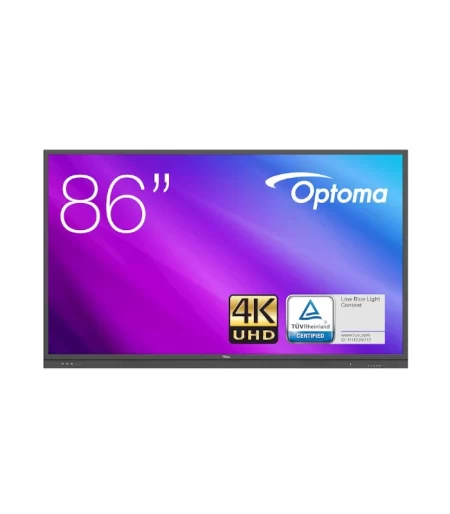
Optoma 3861RK 86″ Interactive Touch Panel Display
Optoma 3861RK 86" Interactive Touch Panel Display
Advanced interaction and collaboration
Advanced touch technology
Dual App mode
Safe and secure viewing experience
Download Catalog PDF Click here>
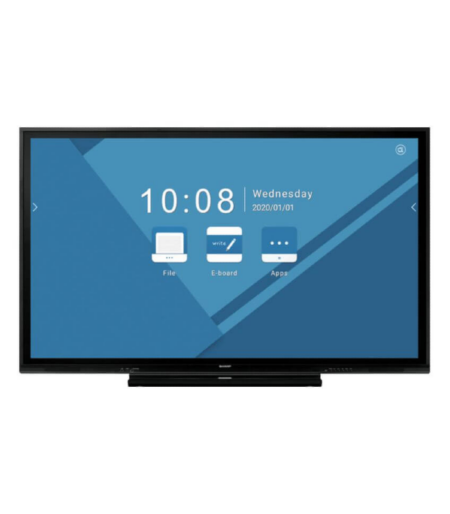
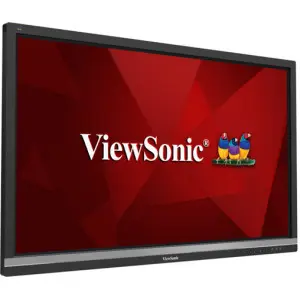
ViewSonic IFP5550 55″ 4K Professional Display
Featuring 4K Ultra HD resolution and an advanced, next-generation touchscreen, the ViewSonic® ViewBoard™ IFP5550 delivers incredible collaborative capabilities for 21st century boardrooms and classrooms. With integrated myViewBoard®annotation software and ViewBoard Cast streaming software, content creation and sharing has never been easier. What’s more, this ENERGY STAR certified display delivers optional slot-in PC capability for more computing-intensive interactive applications. A VESA-compatible design allows for installation on a wall mount, or on an optional trolley cart for more flexible installation in classrooms and meeting rooms.
ViewSonic IFP6550 65″ 4K Professional Display
Featuring 4K Ultra HD resolution and an advanced, next-generation touchscreen, the ViewSonic® ViewBoard™ IFP5550 delivers incredible collaborative capabilities for 21st century boardrooms and classrooms. With integrated myViewBoard®annotation software and ViewBoard Cast streaming software, content creation and sharing has never been easier. What’s more, this ENERGY STAR certified display delivers optional slot-in PC capability for more computing-intensive interactive applications. A VESA-compatible design allows for installation on a wall mount, or on an optional trolley cart for more flexible installation in classrooms and meeting rooms.
ViewSonic IFP7550 75″ 4K Interactive Flat panel Display
Featuring 4K Ultra HD resolution and an advanced, next-generation touchscreen, the ViewSonic® ViewBoard™ IFP5550 delivers incredible collaborative capabilities for 21st century boardrooms and classrooms. With integrated myViewBoard®annotation software and ViewBoard Cast streaming software, content creation and sharing has never been easier. What’s more, this ENERGY STAR certified display delivers optional slot-in PC capability for more computing-intensive interactive applications. A VESA-compatible design allows for installation on a wall mount, or on an optional trolley cart for more flexible installation in classrooms and meeting rooms.