



How to Choose a Projector for Your Office, Classroom or Meeting Room in Dubai

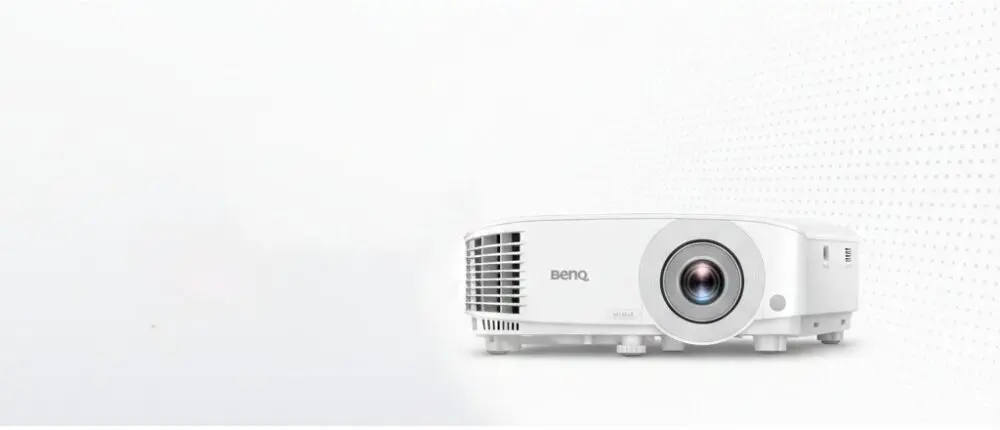
Choosing projectors for an office or school is different from buying one for home. Rooms are brighter, the projector runs for many hours a day, and IT teams want something that just works. Here are the questions we ask every business and education customer before recommending a model.
1. How bright is the room?
Most meeting rooms and classrooms keep the lights on, so brightness matters most:
- Small meeting room (up to about 8 people): roughly 3,000–3,600 lumens
- Classroom or medium meeting room: roughly 3,600–4,500 lumens
- Large boardroom, training room or hall: 5,000 lumens or more, often with interchangeable lenses
2. Which resolution?
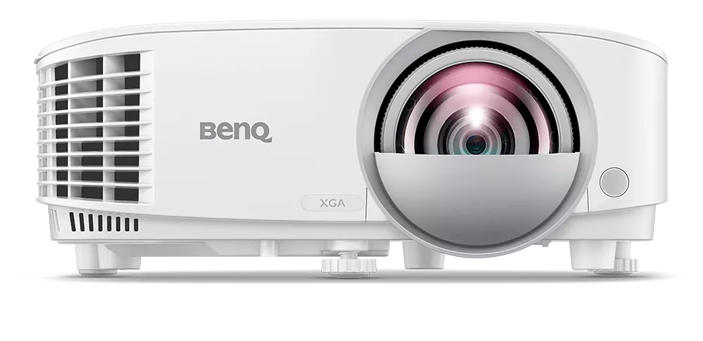
- XGA (1024×768): an entry-level choice for basic presentations
- WXGA (1280×800): widescreen, and matches most laptops
- Full HD 1080p or WUXGA (1920×1200): sharp text and spreadsheets. Recommended for most offices today.
3. Lamp or laser?
Lamp projectors cost less to buy, but the lamp needs replacing periodically and brightness drops over time. Laser projectors cost more up front, but they turn on instantly, need little or no maintenance, and keep their brightness much longer. For rooms used every day, laser usually costs less over its lifetime.
4. Standard, short throw or ultra short throw?
In classrooms, a short throw or ultra short throw projector mounted close to the board stops the teacher from casting shadows or being dazzled. In boardrooms, a standard-throw projector on the ceiling is the usual choice.
5. Projector or interactive display?
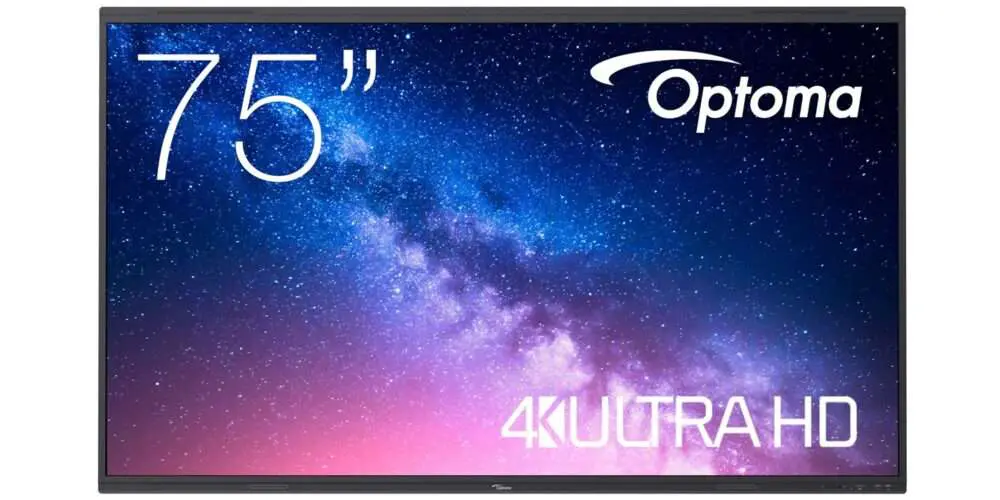
For classrooms and collaborative meeting rooms, an interactive flat panel display is often a better fit than a projector. These are touchscreens from 65 to 86 inches, from brands like Sharp, NEC, Samsung, Optoma and LG. They need no lamp, they’re bright in any light, and they let people write and annotate on screen. For large rooms where the picture needs to be bigger than about 100 inches, a projector remains the most cost-effective choice.
6. Connectivity and management
Check for HDMI inputs for laptops and wireless presentation for bring-your-own-device meetings. In larger deployments, check network control so IT can manage many units centrally.
Quick picks
| Use | Example models |
|---|---|
| Small to medium meeting rooms | BenQ MH550 (1080p, 3,500 lm), BenQ MW560C / MX560C (4,000 lm) |
| Smart wireless meeting rooms | BenQ EH600 / EW800ST (Android-based smart projectors) |
| Classrooms | BenQ MX808STH short throw, interactive flat panels from Sharp, NEC and Optoma |
| Large rooms and halls | NEC / Sharp installation projectors with lens options such as the NEC P554U |
Get a recommendation for your project
ABVision has supplied projectors and displays to Dubai businesses, schools and AV integrators since 2004. We’re an authorized distributor and premium partner for BenQ, Epson, Optoma, Sharp/NEC, ViewSonic, Samsung and LG. Browse our interactive flat panel displays or send us the room sizes and the number of rooms through WhatsApp or the inquiry form, and we’ll recommend the right projector or interactive display and send a project quote.