



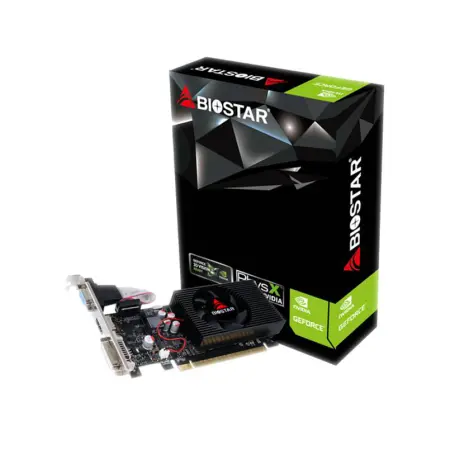
Biostar GeForce GT730 4GB Graphic Card
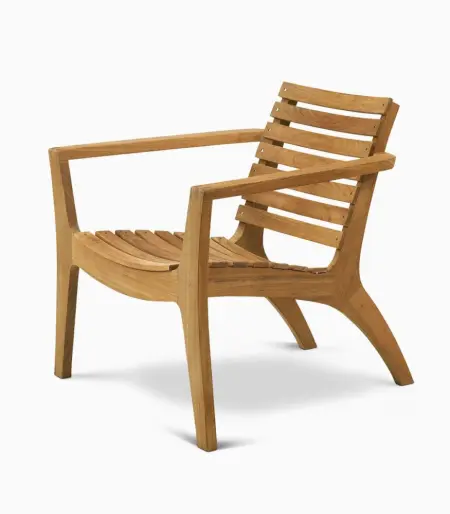
Classic wooden chair

Decoration wooden present
Nam gravida vulputate est venenatis eu at ullamcorper consectetur parturient suspendisse a elit lobortis ut convallis vestibulum vulputate nunc praesent mattis sem faucibus risus sociosqu.Dapibus curae a ac vestibulum a magnis ullamcorper orci a iaculis adipiscing augue a massa a torquent feugiat a. Scelerisque vestibulum.
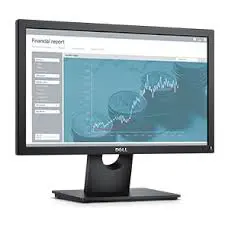
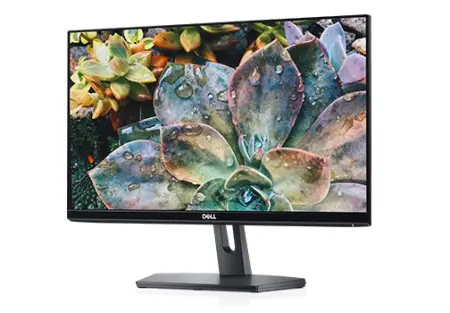
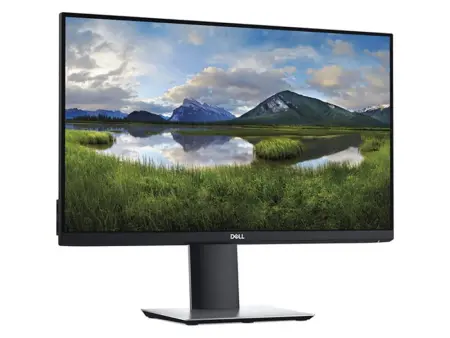
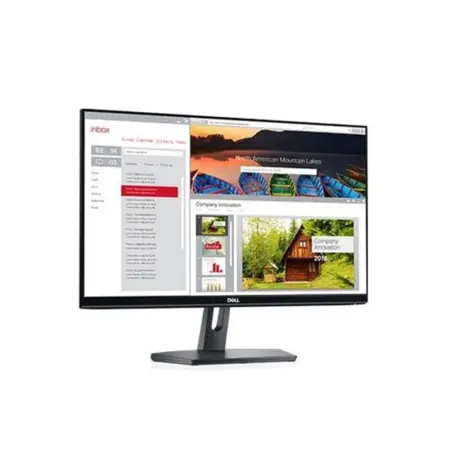
Dell 19 Monitor | E1916H
Screen performance: View your applications, spreadsheets and more on 18.5 inches of 1366x768 HD clarity, with 16.7 million colors, a color gamut of 85 percenti and a 90° / 65° horizontal / vertical viewing angle.
Plug and view: Compatible with both legacy and non-legacy PCs via VGA and DisplayPort connectivity.
Mounting option: Keep your desk clutter-free by mounting your VESA® compatible monitor on the wall or using the optional Dell Single Monitor Arm, detailed below.
Tilt at will: Work comfortably by tilting the monitor 5° forward or 21° backward.
Convenient controls: Easily access buttons for power, brightness, contrast and customizable preset modes on the monitor’s front panel.
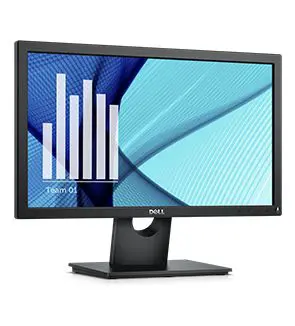
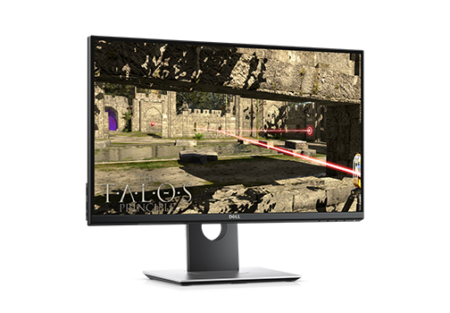
Dell 20 Monitor | E2016H
A dependable and affordable 20” monitor with essential features that meet everyday office demands.
- Essential features: HD quality display at multiple angles with VESA-mount compatibility and tilt options, as well as VGA and DisplayPort connectivity.
- Dependable performance: Uncompromising quality testing standards with 3-year warranty and service ensure long-term performance.
- Eco-conscious design: Save energy with power-efficient features.
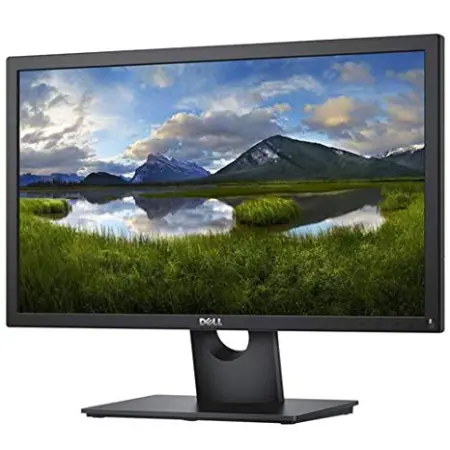
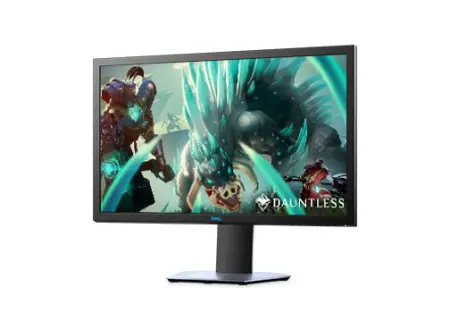
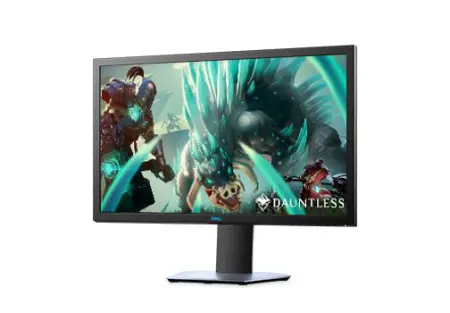
Dell 22 Monitor: E2218HN
Screen performance: View your applications, spreadsheets and more on 21.5 inches of 1920x1080 Full HD clarity, with 16.7 million colors, a color gamut of 85 percent1 160° / 170° vertical and horizontal viewing angle.
Plug and view: Compatible with legacy and non-legacy PCs via VGA and HDMI connectivity.
Mounting option: Keep your desk clutter-free by mounting your VESA® compatible monitor on the wall or using the optional Dell Single Monitor Arm, detailed below.
Tilt at will: Work comfortably by tilting the monitor 5° forward or 21° backward.
Convenient controls: Easily access buttons for power, brightness, contrast and customizable preset modes on the monitor’s front panel.
Work comfortably: Optimize eye comfort and reduce harmful blue light emissions with ComfortView2 and a flicker free screen.