Navigate Color Modes by BenQ Display Pilot Shortcuts
BenQ Display Pilot offers keyboard shortcuts to access OSD (on-screen display) adjustments for different functions, including color mode switching and more.
100% sRGB and 95% P3 color spaces
DisplayHDR 400 with wide gamut space for professional results
Thunderbolt 3 for easy dual monitor setup
Thunderbolt 3 carries images, videos, and other data seamlessly plus charges your mobile devices at the same time all with one cable.
Mac® and MacBook® are trademarks of Apple Inc.
Daisy chain via Thunderbolt 3 extends your workspace on up to dual 4K monitors thanks to high speed transfer.
*Apple’s base M1/M2 chips will only support one external display and are not compatible with this feature. Apple’s Pro/Max/Ultra chips will support additional external displays and are compatible. Please check with Apple to ensure that your Mac can support multiple displays.
BenQ Display Pilot offers keyboard shortcuts to access OSD (on-screen display) adjustments for different functions, including color mode switching and more.
Usually, syncing color profiles between your monitor and laptop takes an exhausting amount of fiddling with settings. BenQ Display Pilot and BenQ ICCsync free you from this hassle.
BenQ ICCsync quickly installs pre-calibrated ICC profiles onto your Mac, and more. With ICC profile compatibility, BenQ ICCsync makes it easy to sync in just a second with one click via BenQ Display Pilot.
BenQ ICCsync auto-matches and auto-synchronizes ICC profiles on the monitor when you change color modes, and also between your Mac and BenQ monitor. All of this is done instantly.
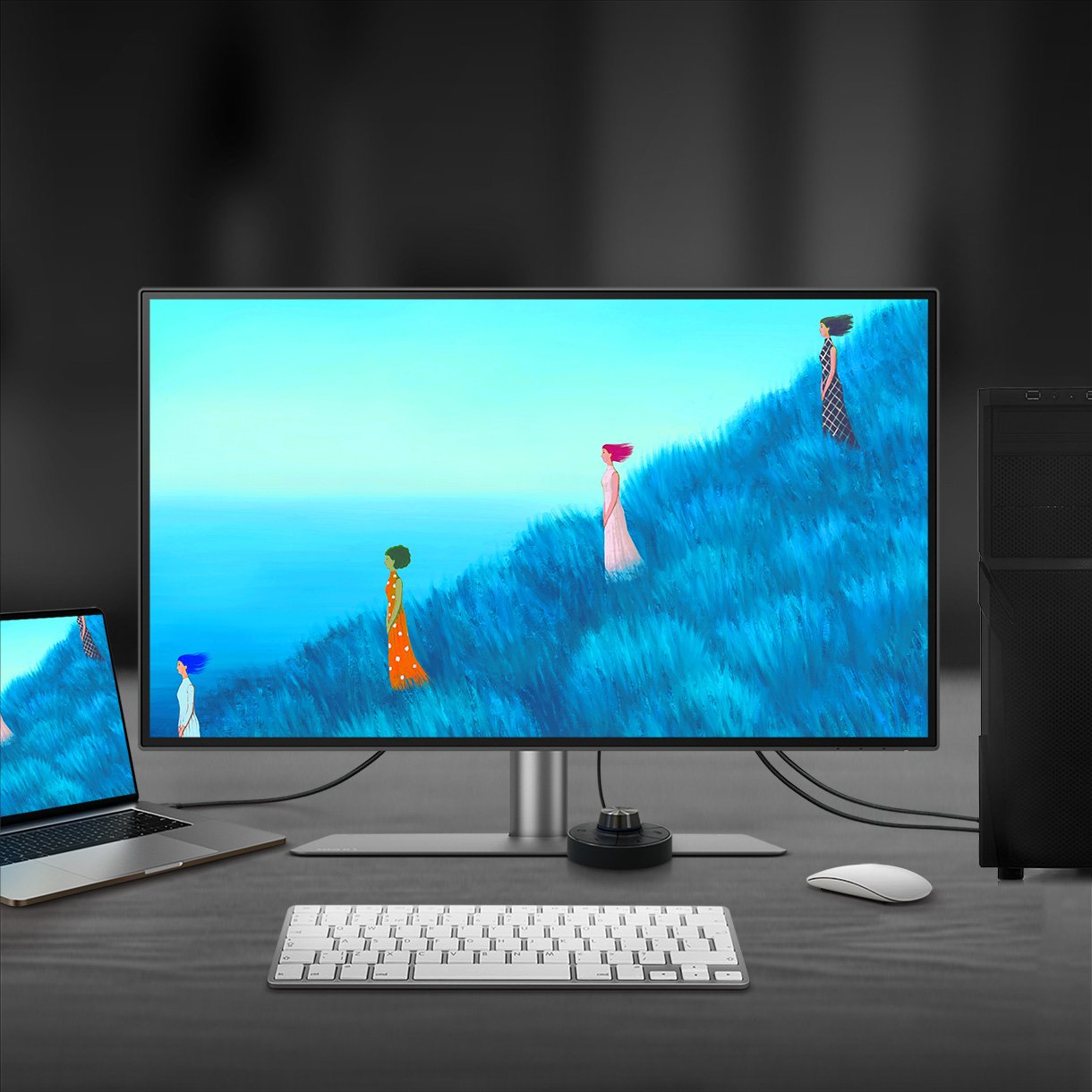
To help you set up a powerful workstation, PD2725U comes equipped with USB-C ports for Thunderbolt 3, HDMI ports, DisplayPort, and a USB hub. You can easily setup KVM and also connect to Hotkey Puck G2, headphones, and external storage for greater productivity.
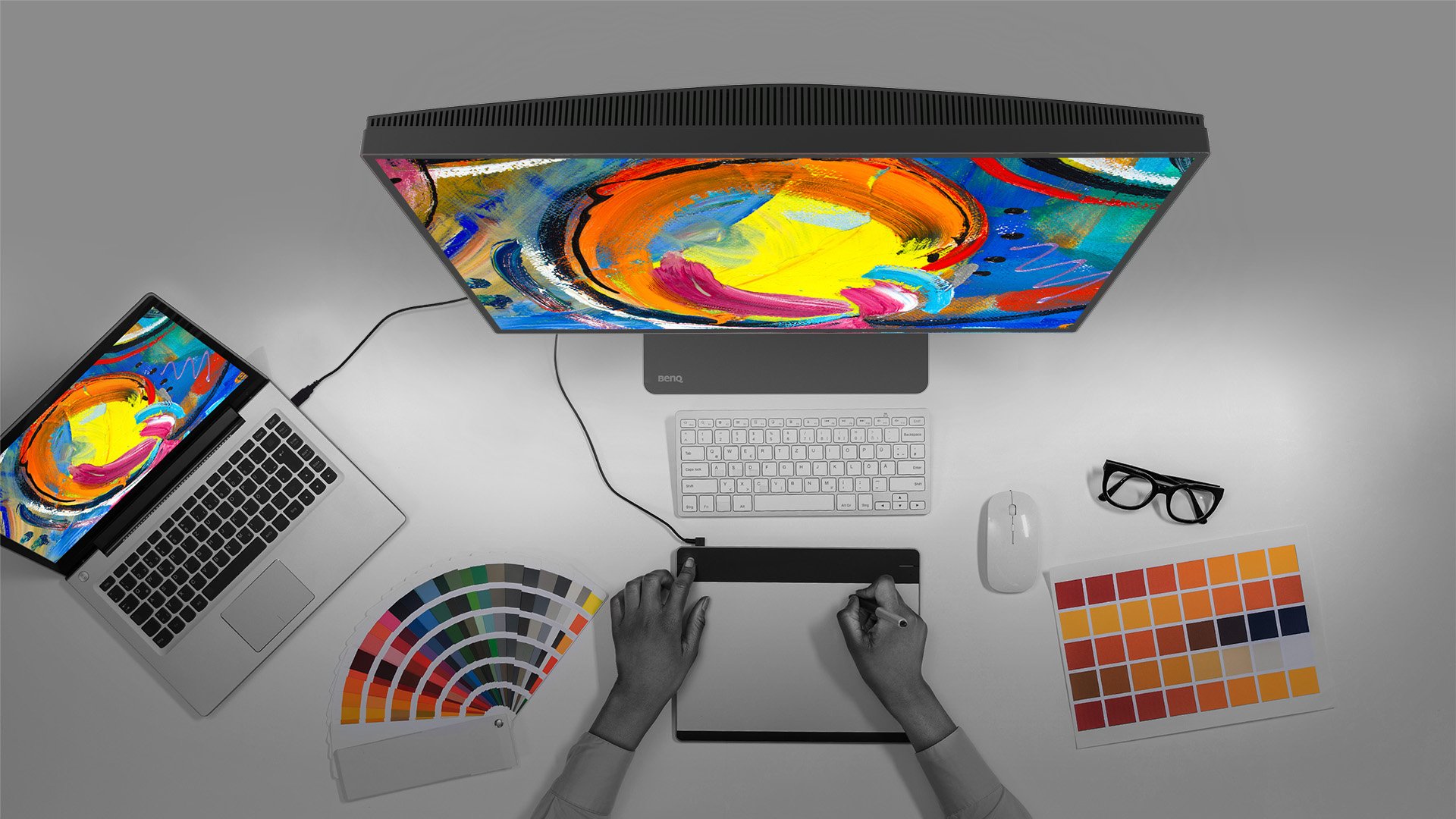
With built-in KVM (keyboard, video, mouse) switch functionality, PD2725U allows users to control two systems from one keyboard and mouse set. Click to switch between systems via Hotkey Puck G2 to boost efficiency.
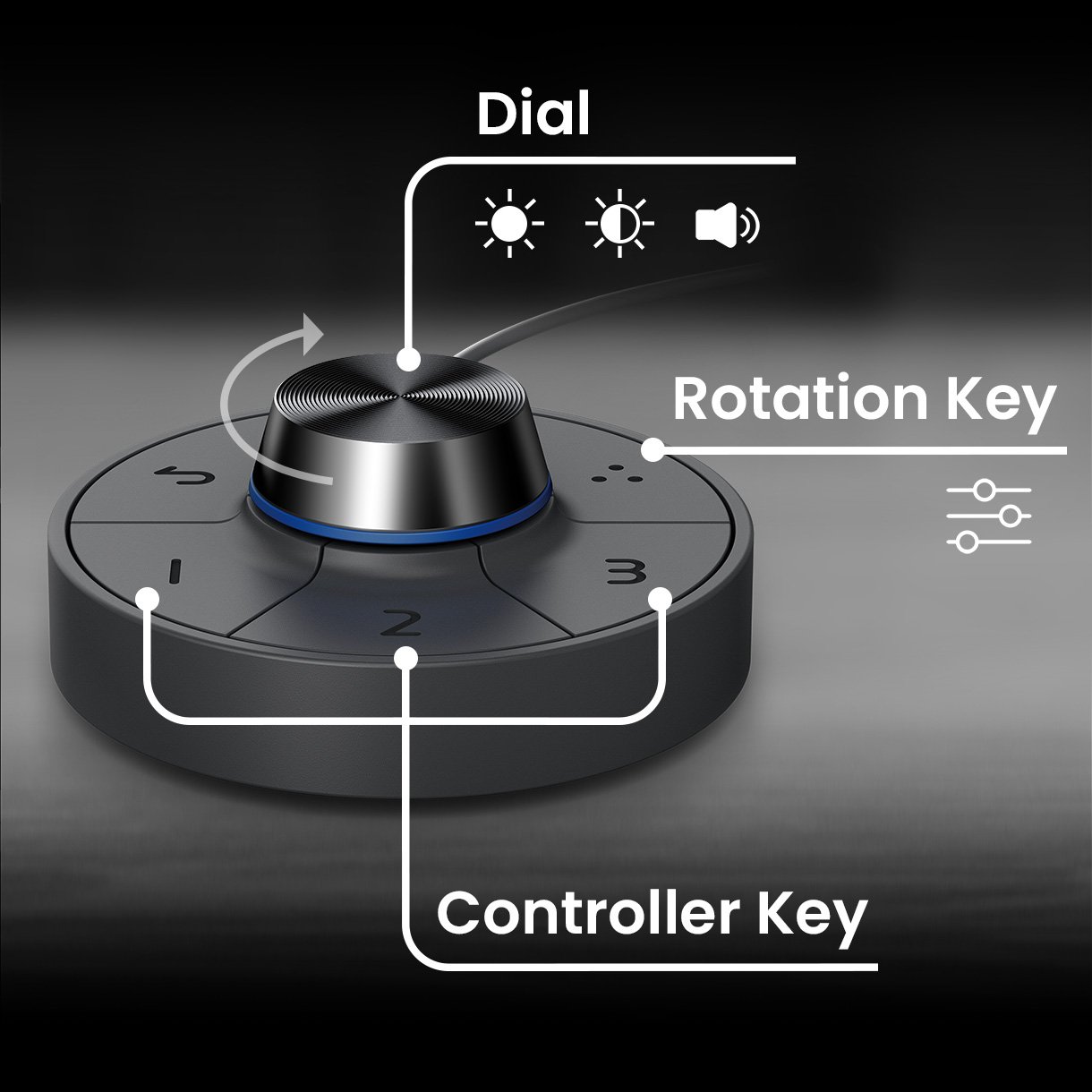
BenQ Hotkey Puck G2 offers users the flexibility to customize and access their most-used features. Press and switch the dial to access brightness, contrast, and volume adjustment, plus assign shortcuts to feature sets using the three function keys. Additionally, the rotation key allows users to assign custom shortcuts to settings.
BenQ empowers creative professionals with AQCOLOR Technology to help inspiration come along and come alive.
PD2725U covers 95% P3, 100% sRGB, and 100% Rec.709 color spaces and has amazing Delta E ≤ 3 ensures superb accuracy and absolute color confidence.
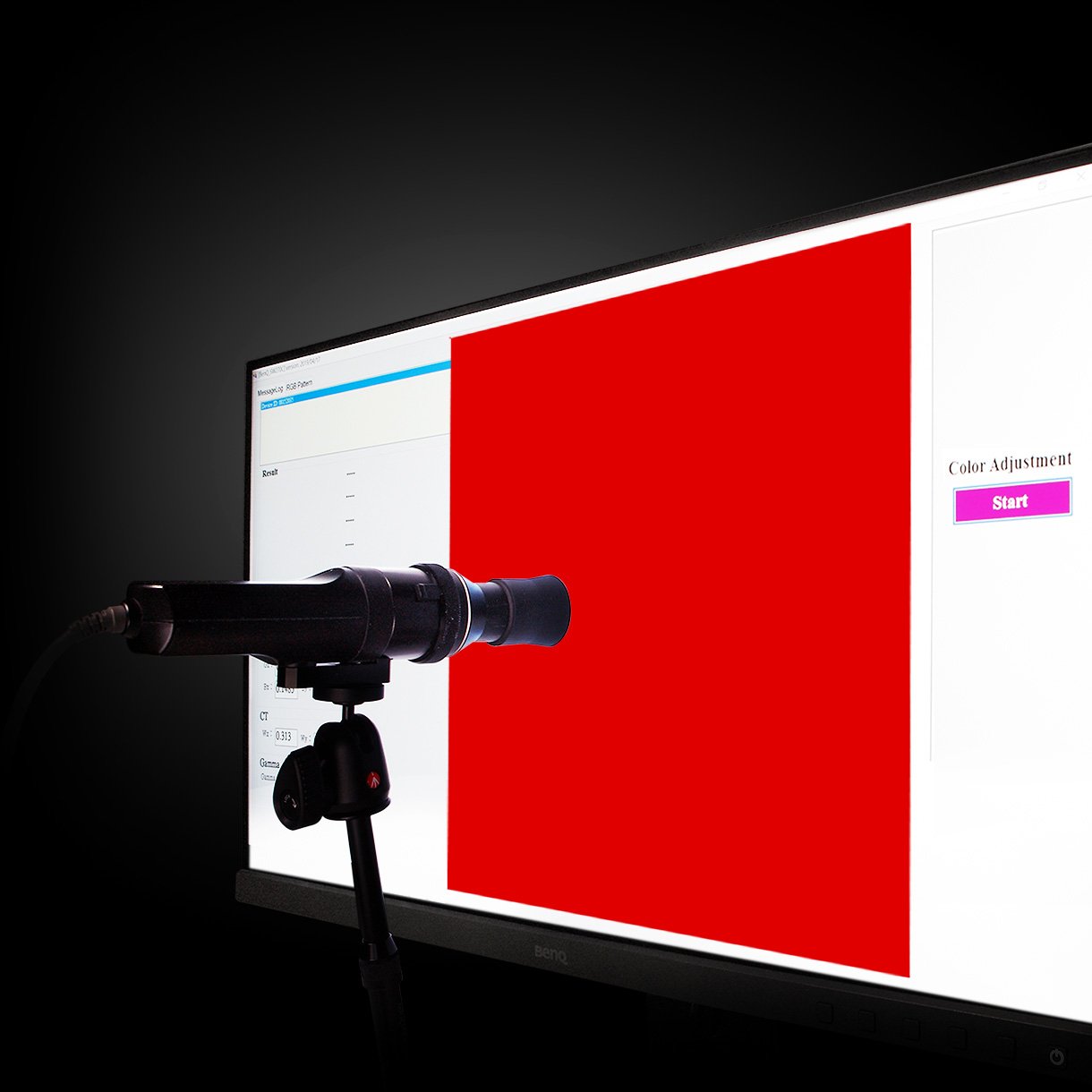
BenQ DesignVue monitors feature meticulous factory calibration, so designers make full use of total display color accuracy from the get go.
PD2725U has earned CalMan Verified and Pantone Validated certificates. Creative professionals demand excellence, and BenQ delivers.
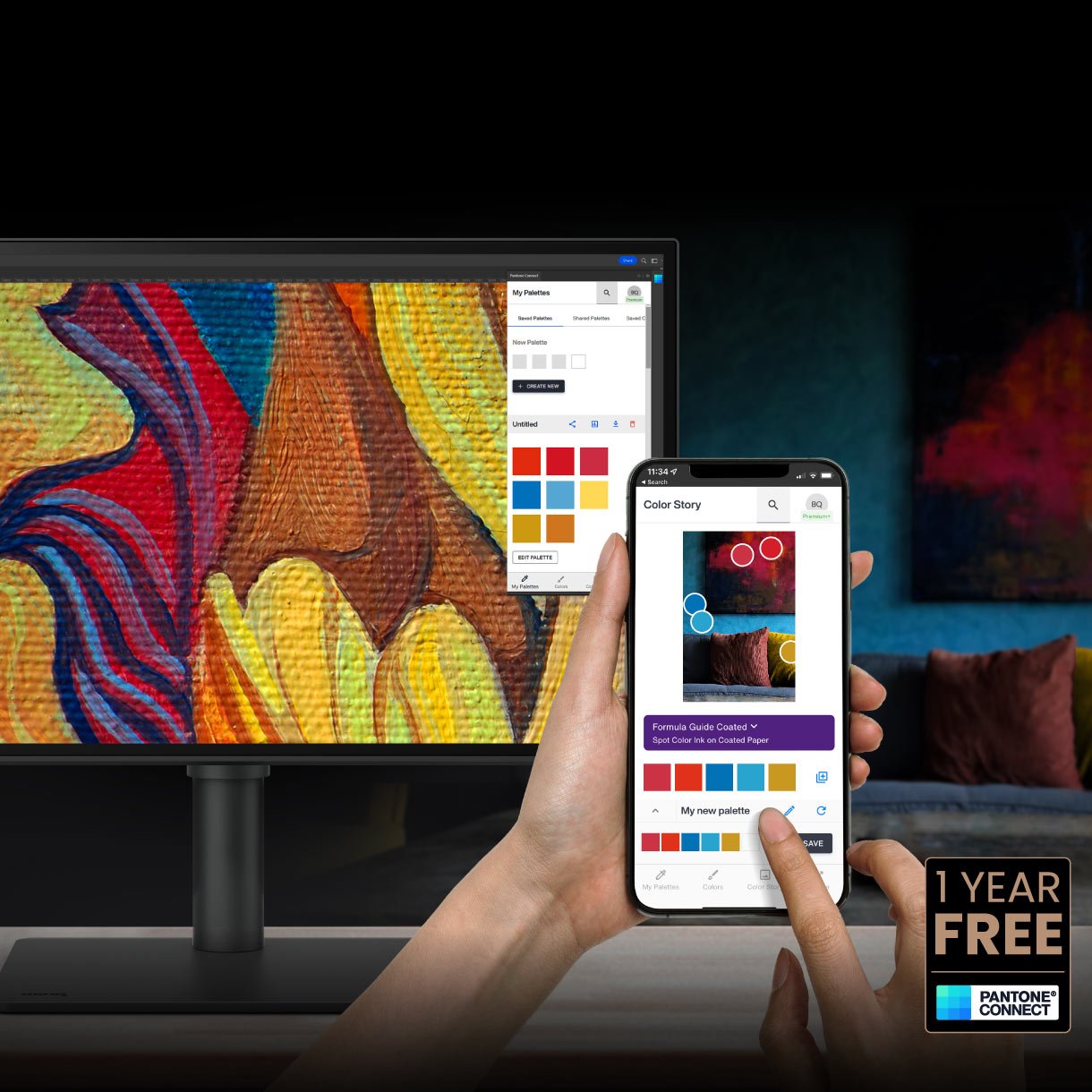
Go digital with BenQ, the first brand to work with Pantone on a mobile app. As an existing owner or a new purchaser of BenQ professional monitors, you get one year of free Pantone Connect Premium for digitally mobile color consistency and accuracy.
Deliver corner-to-corner authentic color and consistent luminescence. The display is divided into hundreds of sub-regions and meticulously fine-tuned for precision to assure dependable image fidelity.
Without
With
With VESA DisplayHDR 400, designers can preview video content’s HDR effect during the editing process, facilitating superior final products.
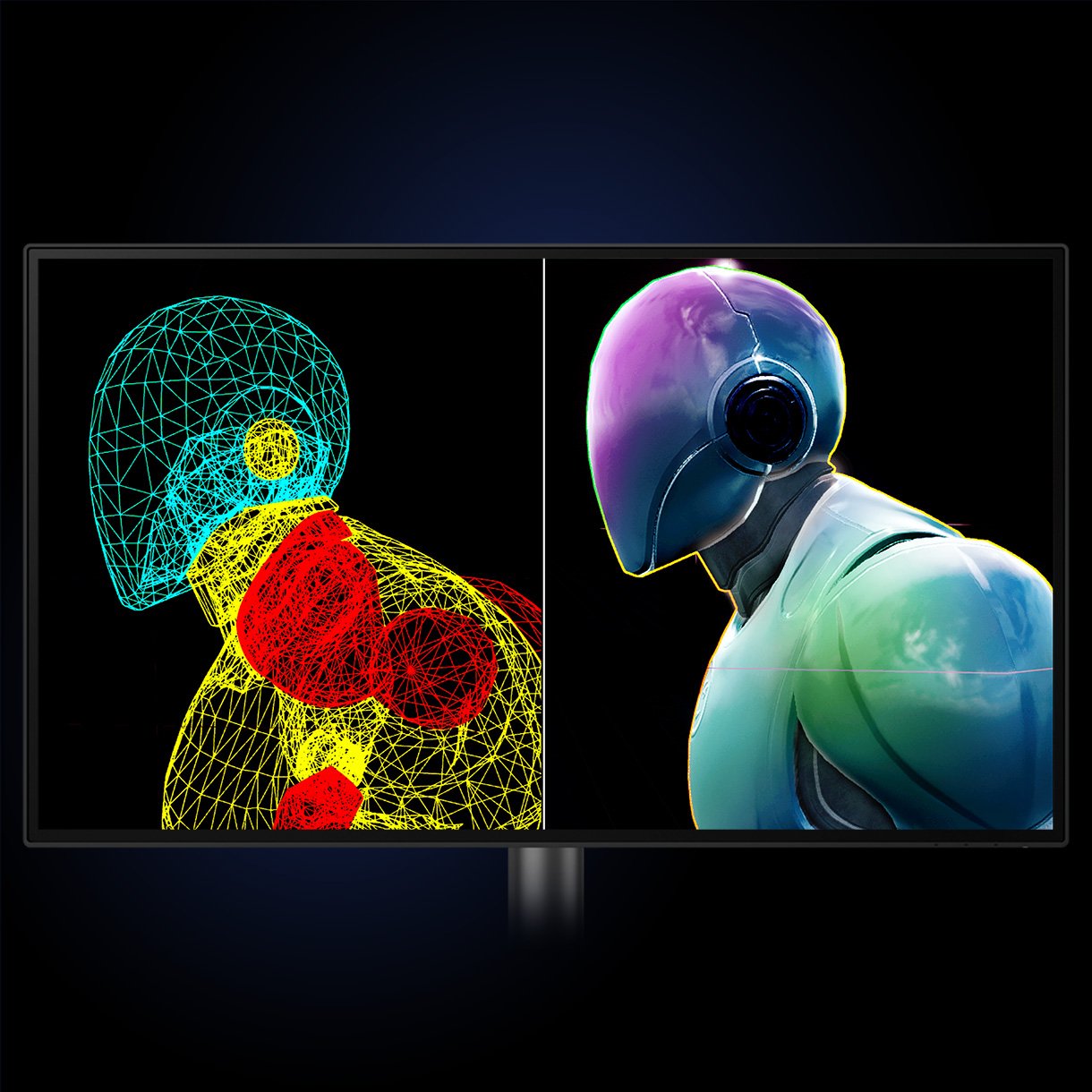
Showcase designs in two modes side-by-side for improved workflow and enhanced productivity.
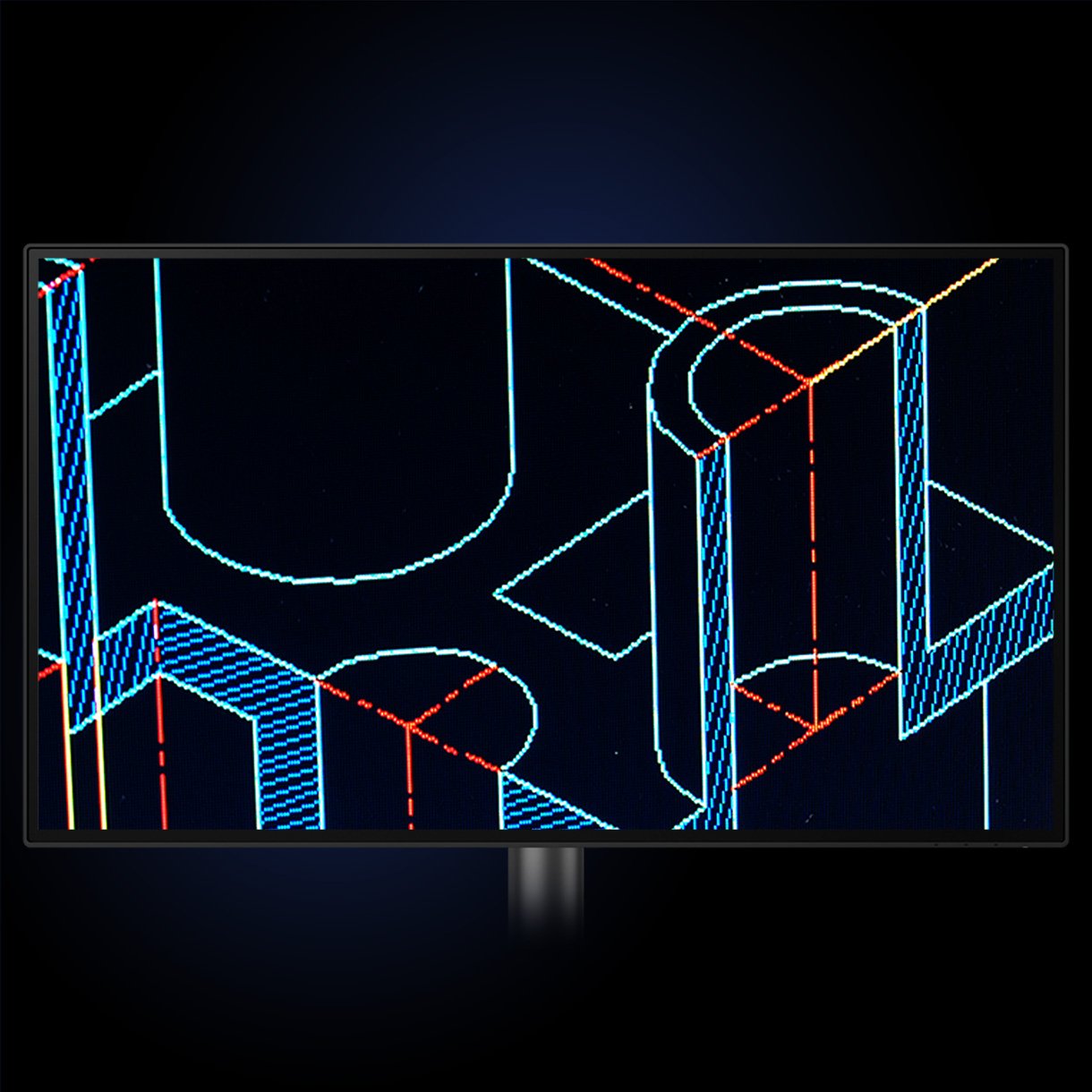
Enjoy superior contrast between lines and shapes in technical illustrations.
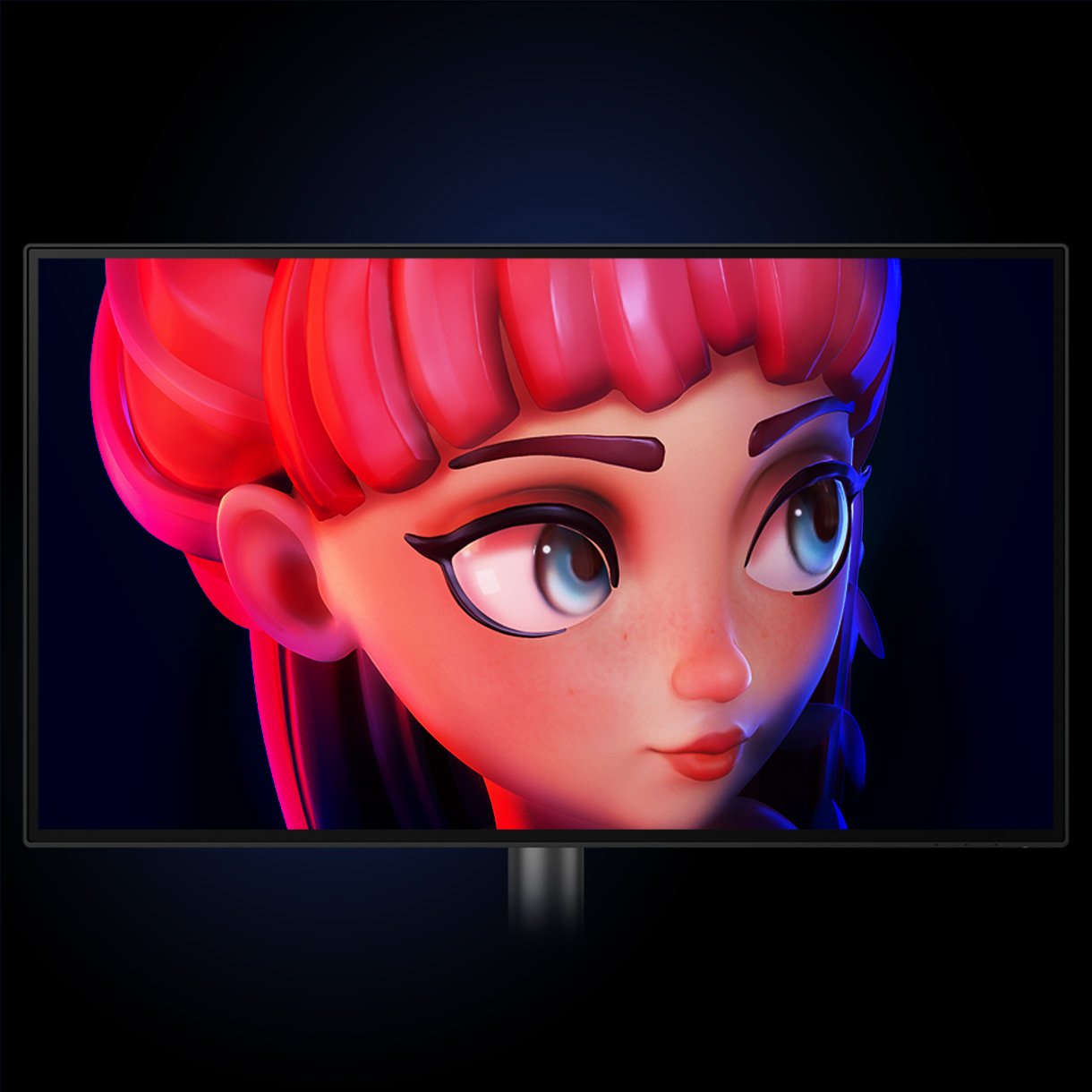
Enhance the clarity of dark areas without overexposing bright regions.
Adjust image brightness and contrast for work in dark environments.
Display
Audio
Power
Dimension And Weight
Accessories
Connectivity
Eye Care
Certification
Professional
Software
Accessory Dimension And Weight
Vestibulum curae torquent diam diam commodo parturient penatibus nunc dui adipiscing convallis bulum parturient suspendisse parturient a.Parturient in parturient scelerisque nibh lectus quam a natoque adipiscing a vestibulum hendrerit et pharetra fames nunc natoque dui.
Scelerisque adipiscing bibendum sem vestibulum et in a a a purus lectus faucibus lobortis tincidunt purus lectus nisl class eros.Condimentum a et ullamcorper dictumst mus et tristique elementum nam inceptos hac parturient scelerisque vestibulum amet elit ut volutpat.
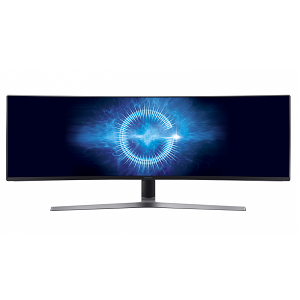
The Samsung UE590 UHD monitor offers PC viewing, gaming and more, all in stunning Ultra HD picture quality. Superb images that boast a staggering 8 million pixels are delivered at a resolution 4x greater than Full HD. See your 4K content the way it was meant to be seen, with realistic detail that makes you feel like you’re really there. Experience a new level of clarity in Ultra High Definition.
No account yet?
Create an Account